In review with Apple
Now on the App Store
Batu.
It piles up quietly, so you don't run out when it counts.
Set some storage aside. When you need room, release it, and the space is back, instantly.

Waiting on App Store review. The download button will appear right here once Apple says yes.
How it works
Reserve, release, repeat.
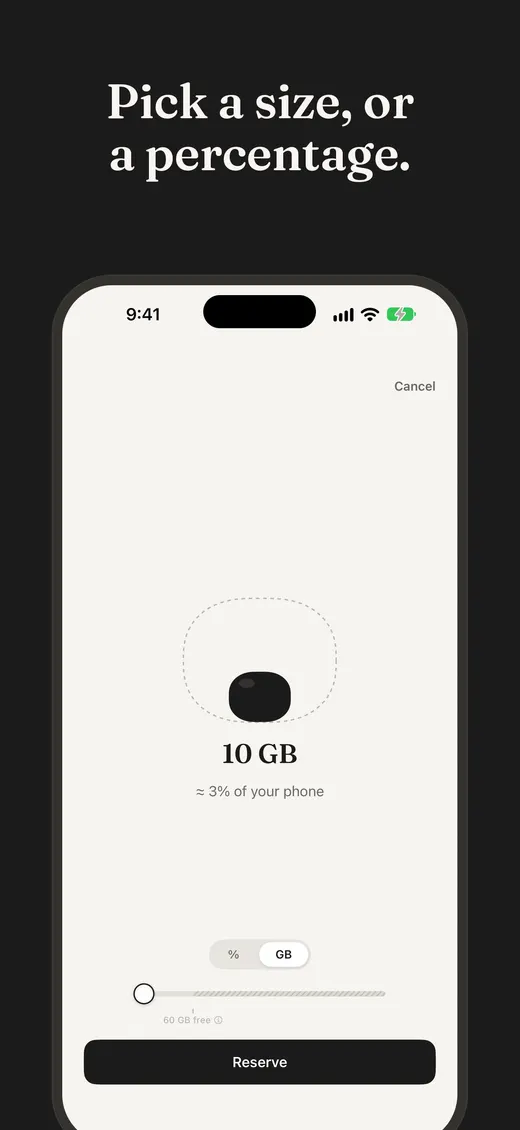
Reserve
Pick how much to hold, as a percentage or a size in GB. Batu sets it aside and settles in.
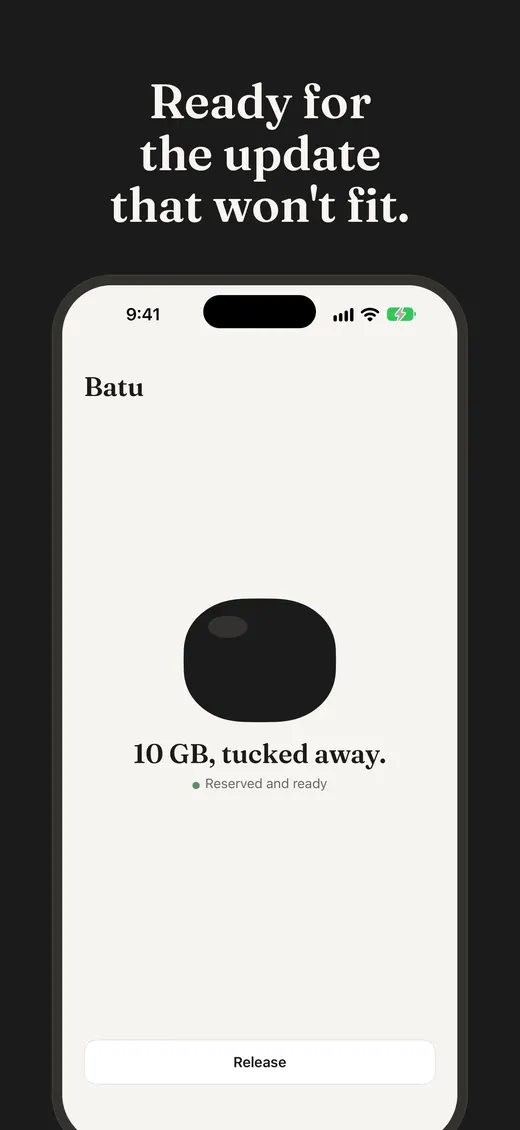
Tucked away
The space stays held, quietly, until you say otherwise. Batu never touches your photos or files.
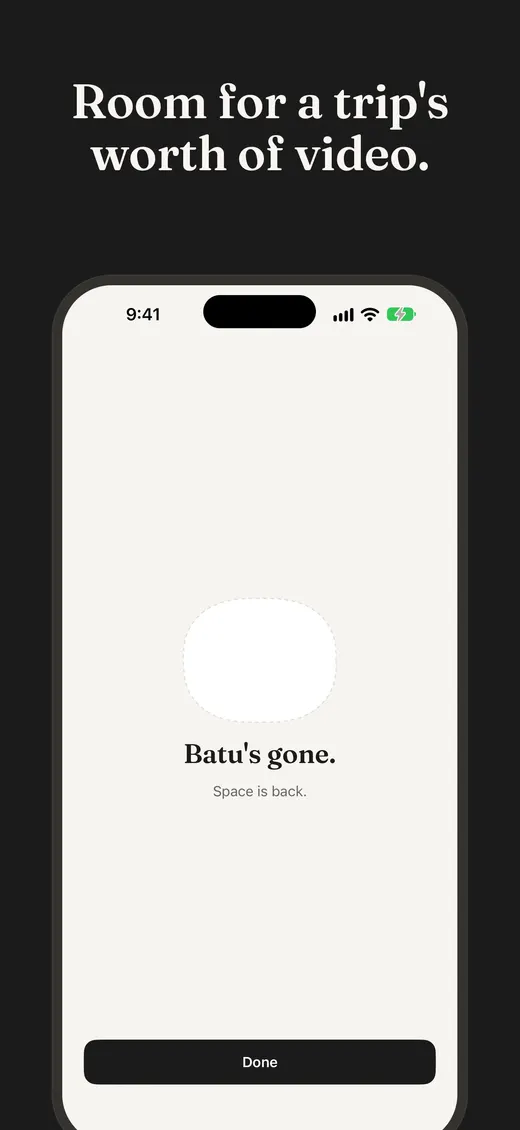
Release
Out of room? One tap and the space is back, instantly. Then reserve again whenever you like.
The app
One stone. One screen at a time.
Made to be trusted
Quiet by design.
Nothing leaves your device
No account, no analytics, no ads, no network requests.
Your files stay yours
The reserve is a single placeholder file inside Batu's own container. Batu doesn't read your photos or anything else.
iPhone, iPad and Mac
The same stone on all three.
Soon, you'll have room to spare.
Out of space? Batu's been waiting for this.